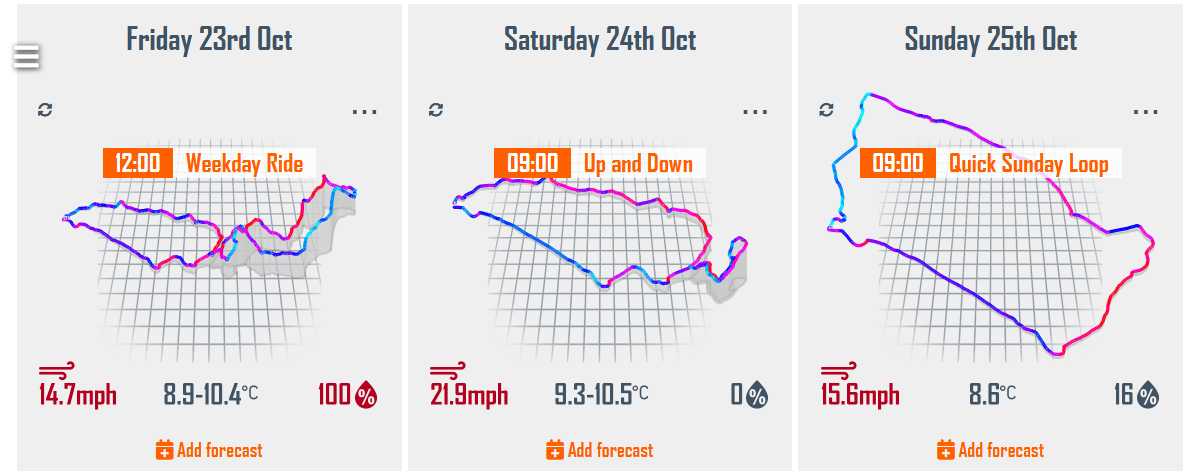
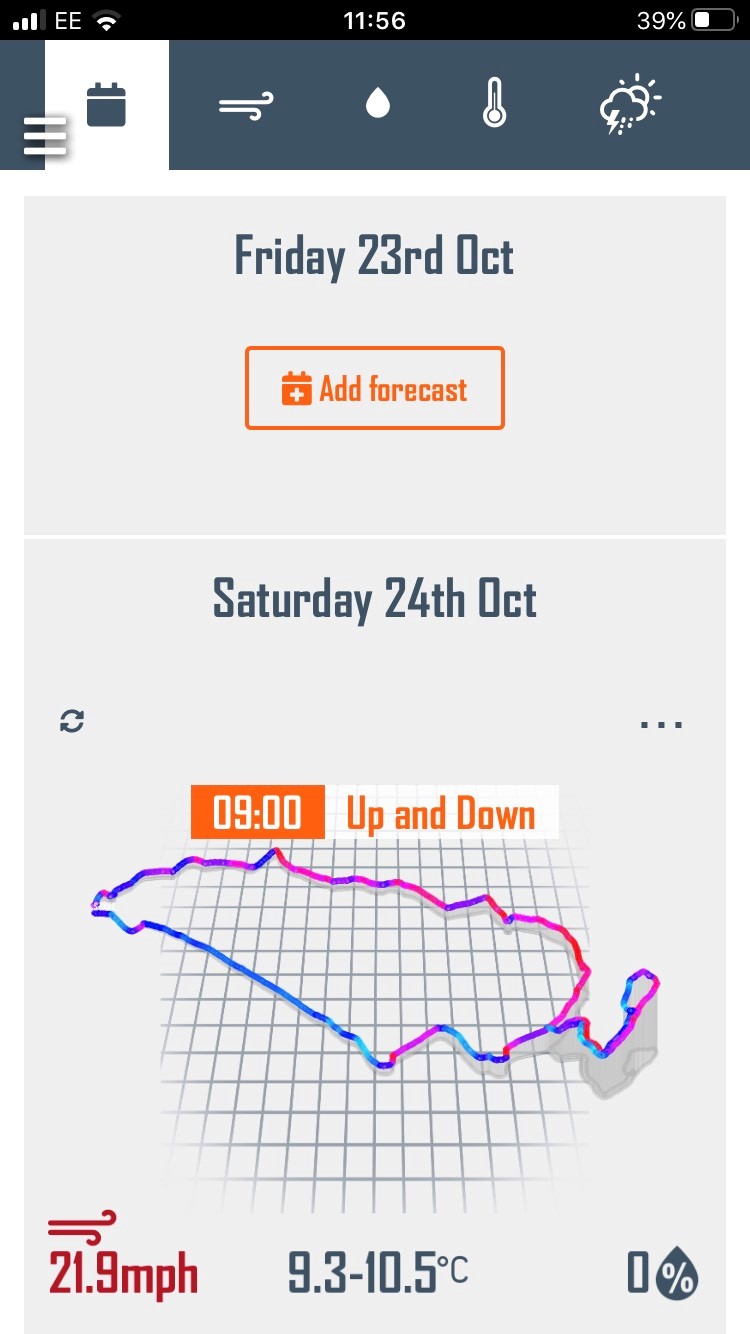
Adding a forecast to your planner is the easiest way to access forecasts for the activities you repeat regularly. From the planner you will see a summary forecast for each scheduled route. Tap on the activity summary to access the full analysis.
View your week’s weather
How to add a forecast to your Planner
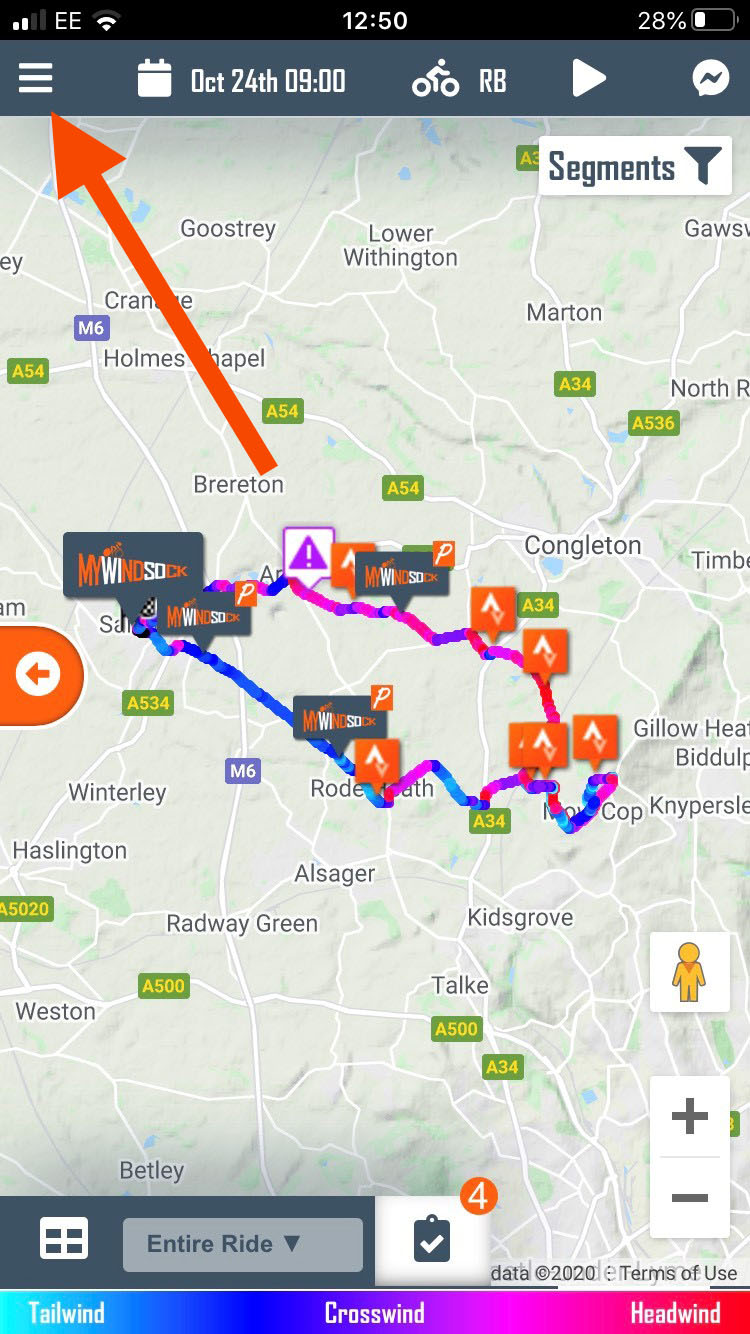
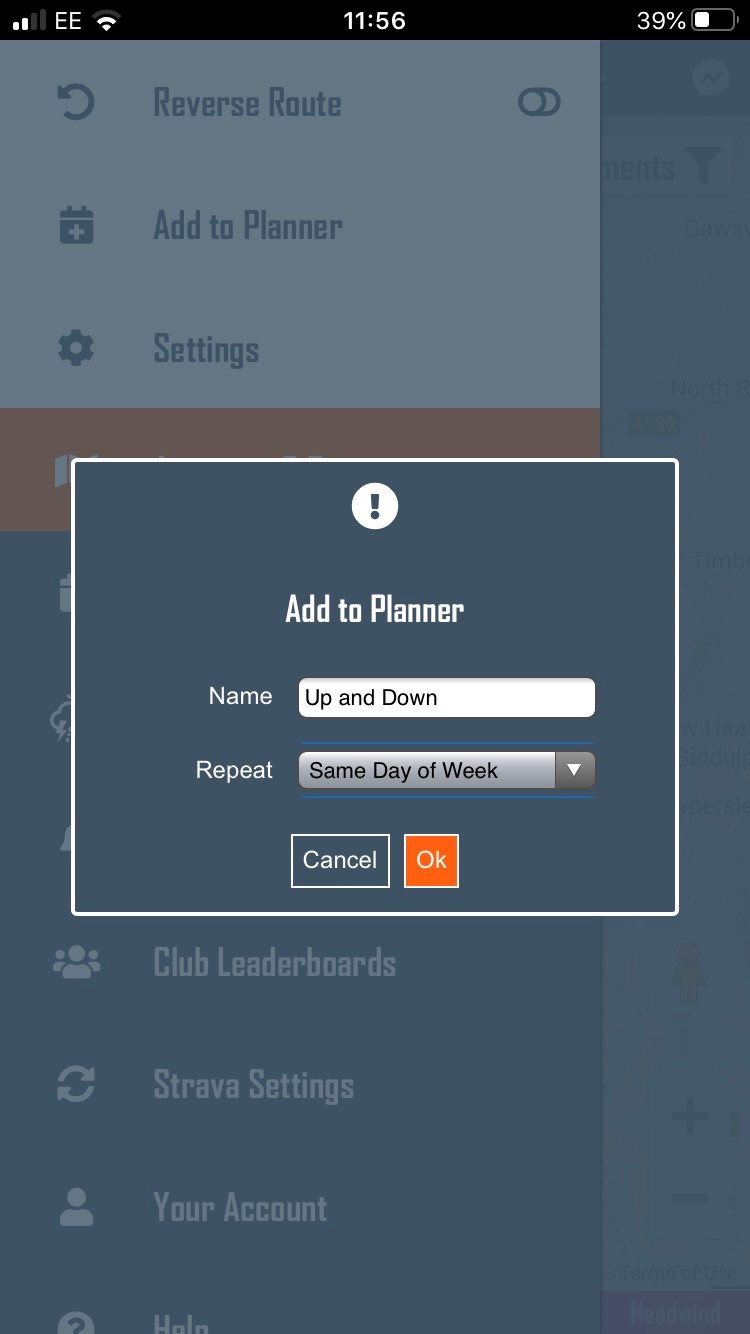
From any forecast Tap the Menu button to reveal forecast options.Tap the ‘Add to Planner’ menu item.Name your forecast and select repeating options. For example you may want to repeat on the same day of the week each week.From your dashboard you will now see your ride scheduled in your planner.

 UK Time Trial Events